National
A Fall Bag-Gap Worksheet That Keeps Uncertainty Visible
Compare like-labeled carry entries and keep missing or mismatched evidence visible. A calculated gap summarizes inputs; it does not prove the next outdoor shot's distance.
Use this in the app: import the session, keep the clubs in Bag DNA, and compare one shot in Course Mode.
Related Golf Notes: Create a Fall Club Card Before Your Next Simulator Session · Carry vs. Total: Which Number Belongs on Your Club Card? · Normalized Simulator Distance Is Not Tomorrow's Outdoor Yardage
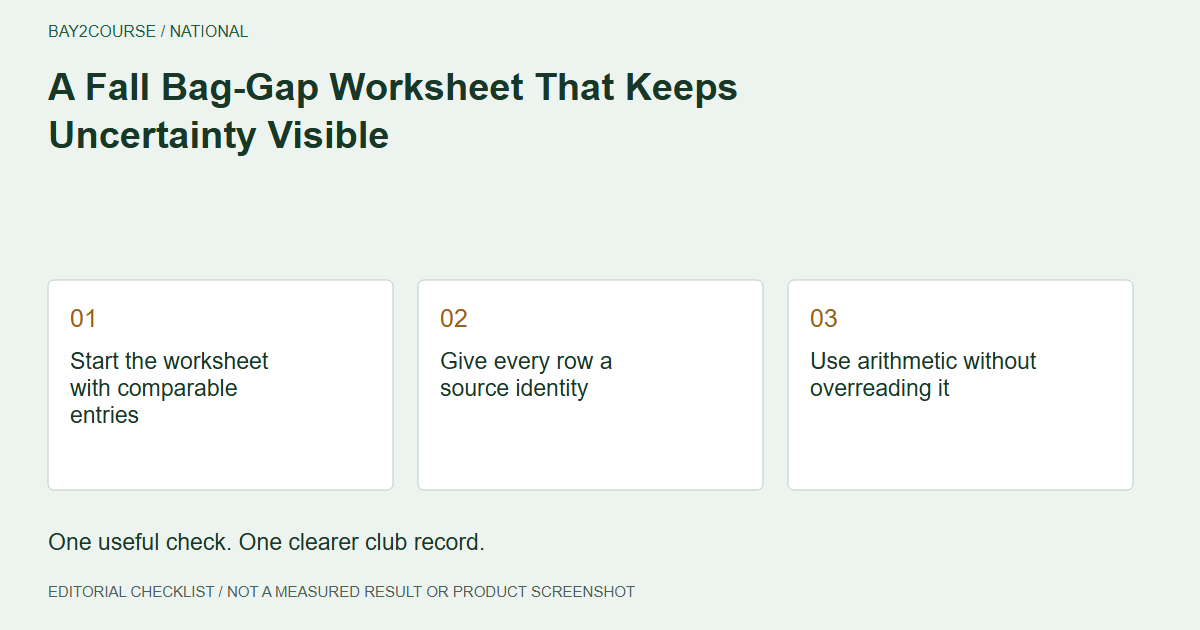
Start the worksheet with comparable entries
A fall bag-gap worksheet can help you see which adjacent clubs deserve attention, but its usefulness depends on the inputs. Begin with clearly labeled carry entries in consistent units. Do not combine an indoor carry value with a course finishing position and call the difference a meaningful gap.
The task is to organize questions, not prescribe the club for your next approach. The gap-distance calculator is a useful start when the entries are understood. Its arithmetic cannot supply missing source context or prove an outdoor distance.
Give every row a source identity
In a separate worksheet, include the club, metric label, units, source date, important caveat, and next action. These headings make it possible to spot an uncertain entry before it affects your interpretation of the whole bag. They are not additional product fields.
Trackman's carry explainer is a reminder that the measurement has a source-specific definition. Preserve the label used in your actual report rather than assuming every distance number belongs in the same column. An unknown label should interrupt the comparison until it is clarified.
Use arithmetic without overreading it
Consider fictional carry entries of 130 and 140 yards from the same documented session. Their listed separation is ten yards. That statement describes the inputs; it does not prove that either club will repeatedly finish ten yards farther than the other on a course.
This is adjacent-club arithmetic, not a simulator-to-outdoor correction. Do not subtract a single outdoor observation from an indoor value and apply that amount throughout the bag. The worksheet should make uncertainty easier to notice, not disguise it behind tidy calculations.
Flag the row that needs clarification
Suppose the next club's value comes from a different visit with an unknown metric label. Keep that row visible but withhold a confident interpretation of its gap. The next useful action is recovering the source heading, not deciding that you need different equipment.
A card note such as 'Gap review: source label unknown' fits within 50 characters. Keep the complete comparison table separately. This leaves enough room for an honest qualification without expecting a small note to hold the entire bag review.
Turn the worksheet into a practice question
Pick one unresolved comparison and decide what evidence would help. You may need a better-documented simulator entry, a coach conversation, or a suitable course observation. Choose based on the information gap rather than treating the largest apparent numerical gap as automatically the biggest problem.
Revisit the relevant cards after that task. If the inputs are clearer, the calculator may become more useful. If the context is still incomplete, preserve that limitation. A worksheet that identifies an unanswered question has done useful work even before it produces a confident comparison.
A worked example
DEMO - fictional adjacent-club worksheet; not an outdoor prediction.
| Club | Reported carry | Review action |
|---|---|---|
| 9-iron | 130 yards | Same documented session |
| 8-iron | 140 yards | Listed separation: 10 yards |
| 7-iron | Label not confirmed | Clarify before comparing |
Common questions
Does the worksheet tell me which club to buy?
No. An apparent gap can reflect incomplete or mismatched information. Clarify the records and discuss your actual needs with an appropriate golf professional before treating the worksheet as an equipment conclusion.
Can I include older entries?
Yes, provided their dates and sources remain visible. Do not silently treat an older session as identical to a new one. The worksheet should reveal the age and context of its inputs.
Sources and further reading
Primary references behind this guide. Local course instructions and current weather take priority over seasonal averages.
Written by Bay2Course, the maker of the app. This is practical record-keeping guidance, not independent equipment testing or a claim of professional coaching credentials. How we prepare and correct guides.
Explore: gap distance calculator · trust